15+
products live

Mekanik Global
Search & Find Now
15+
products live
3
brands ready
2
entry paths
Dual entry
Start with the product when the need is clear. Start with the brand when the supplier is already known.
Browse by product
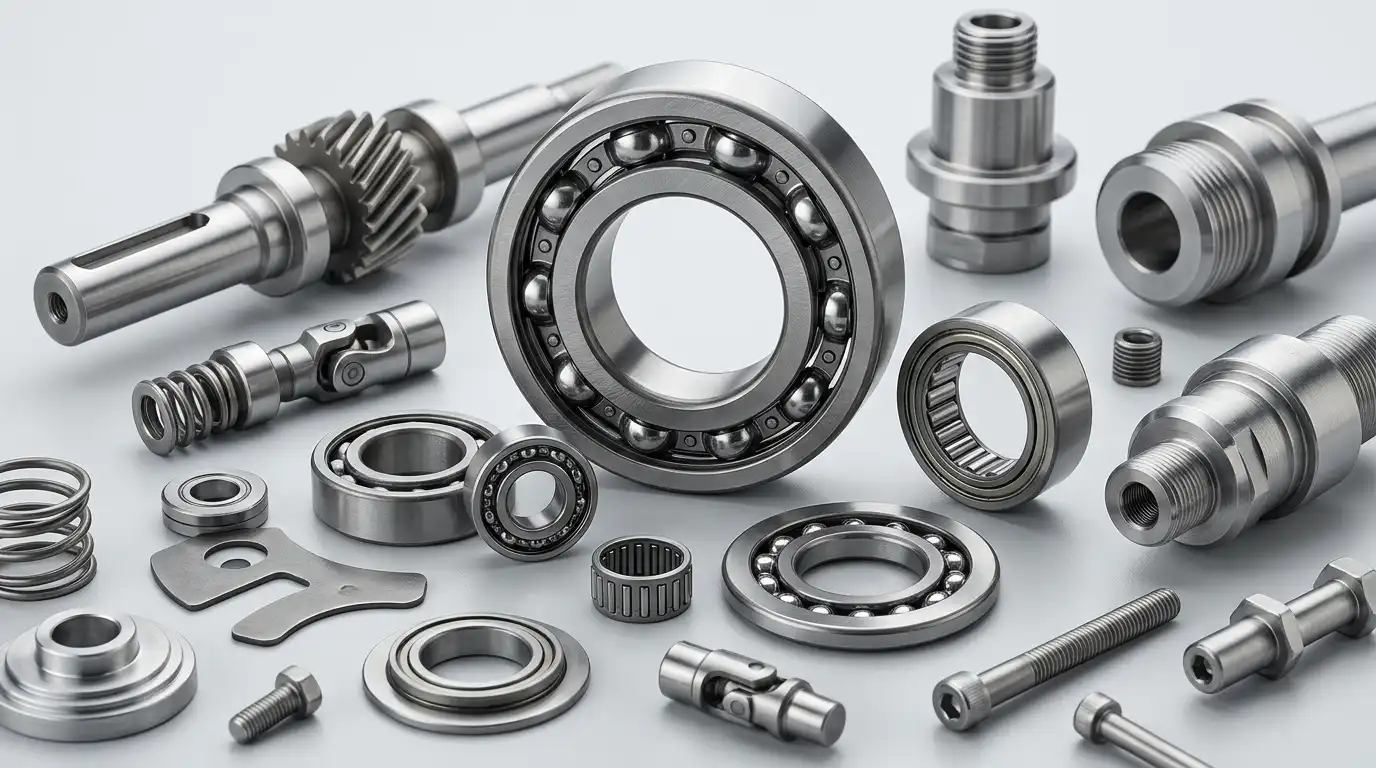
Open pneumatics, linear motion, or bearings first and narrow down inside the right family.
Browse productsBrowse by brand
Open Festo, igus, or SKF directly and move from catalog landing to product detail in fewer clicks.
Browse brandsBrand catalogs
Brand catalogs stay useful, but they no longer slow down the first decision.
Product groups
Choose the product group first, then narrow down inside the right family.
Featured parts
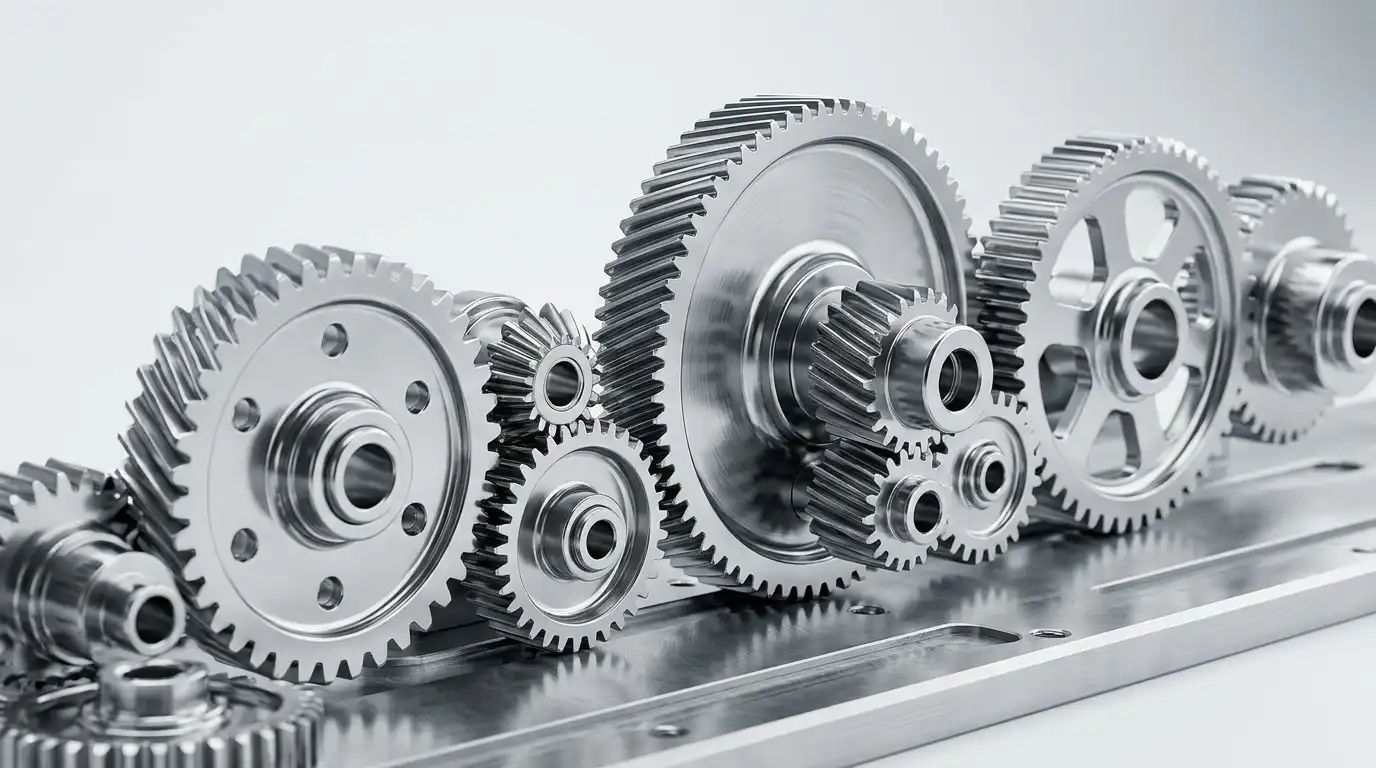
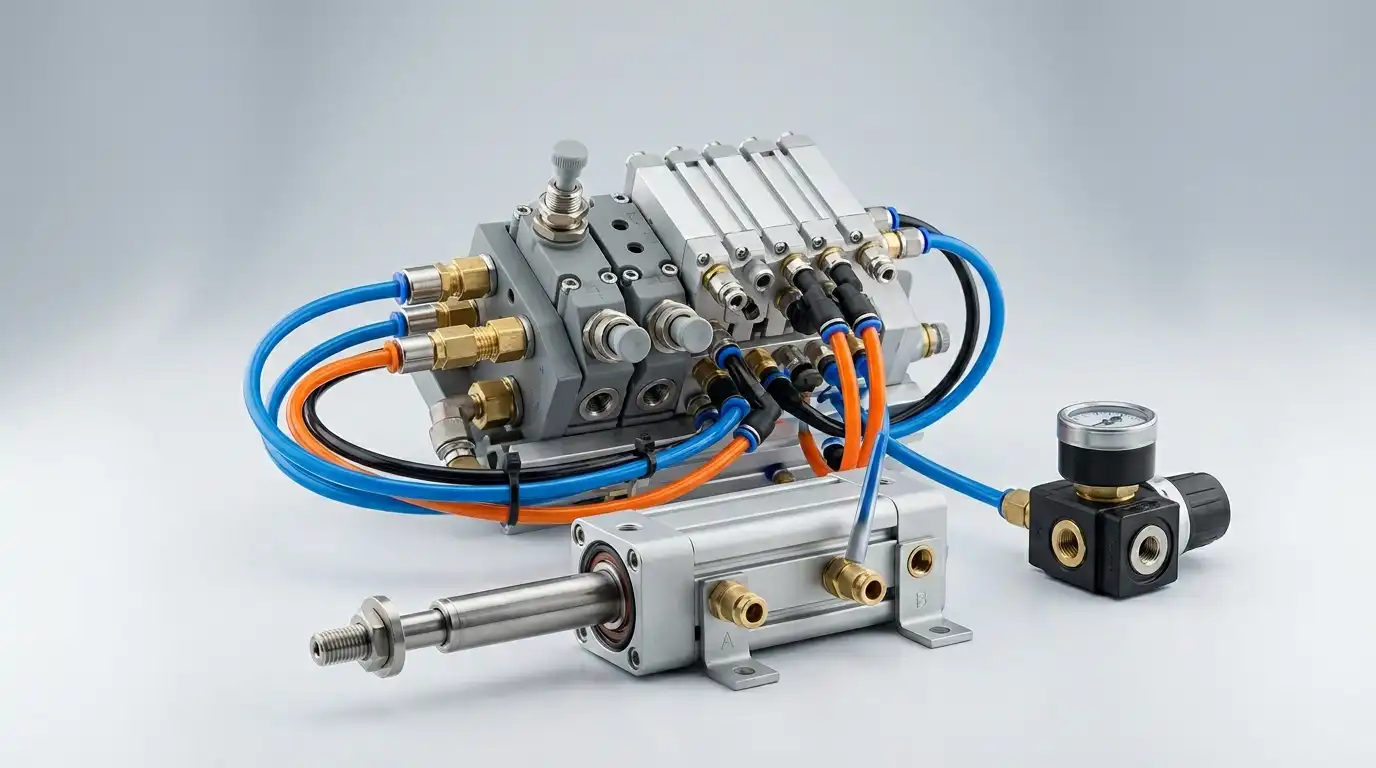
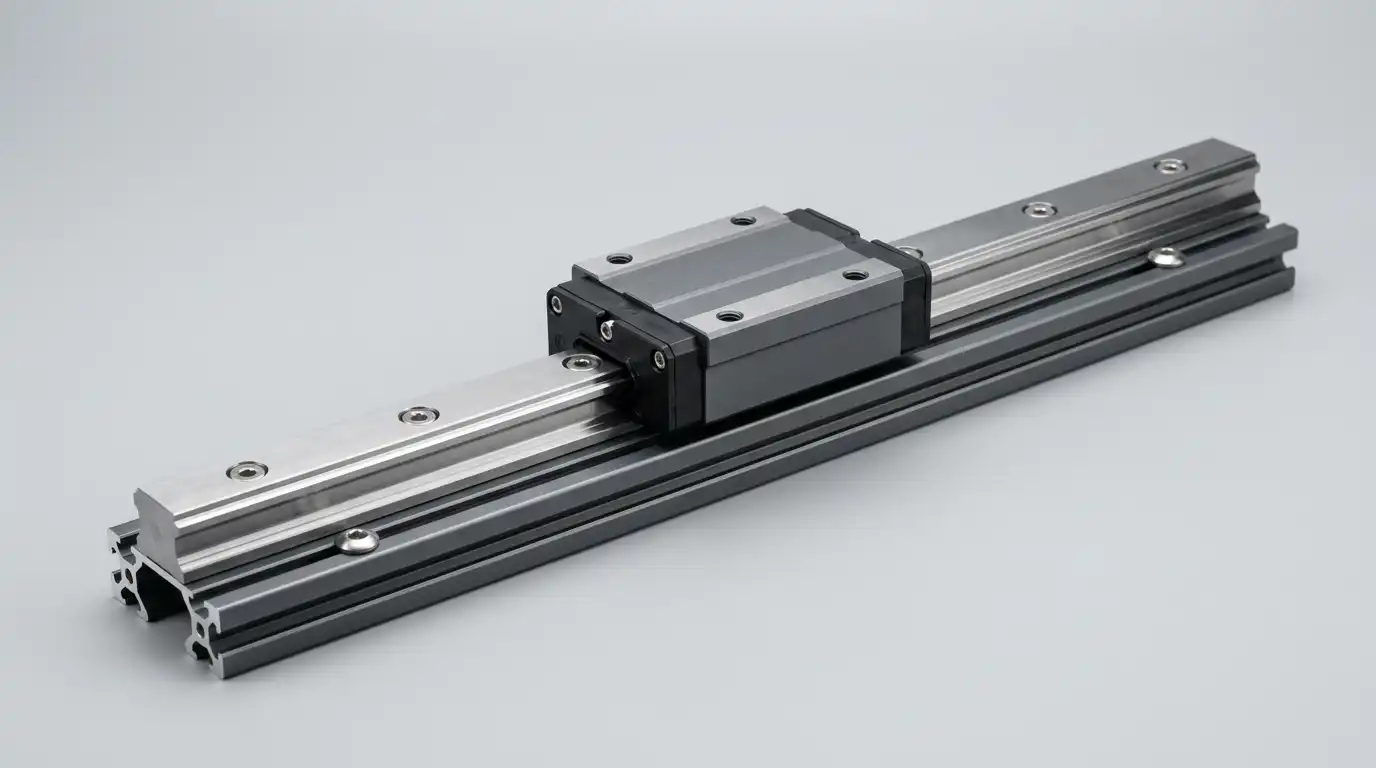
Each product already includes key details, a downloadable table, and a lightweight 3D preview.
Compare parts
Use compare mode to keep multiple series visible in one place.
Open compareSend a brief
Move from search miss to supplier handoff without restarting the flow.
Send sourcing briefOperational visibility
Show buyers the operating context behind a part family so comparison and sourcing decisions feel grounded in the factory floor.

Engineering review
The strongest industrial interfaces connect technical review, part comparison, and sourcing handoff without scattering the workflow.
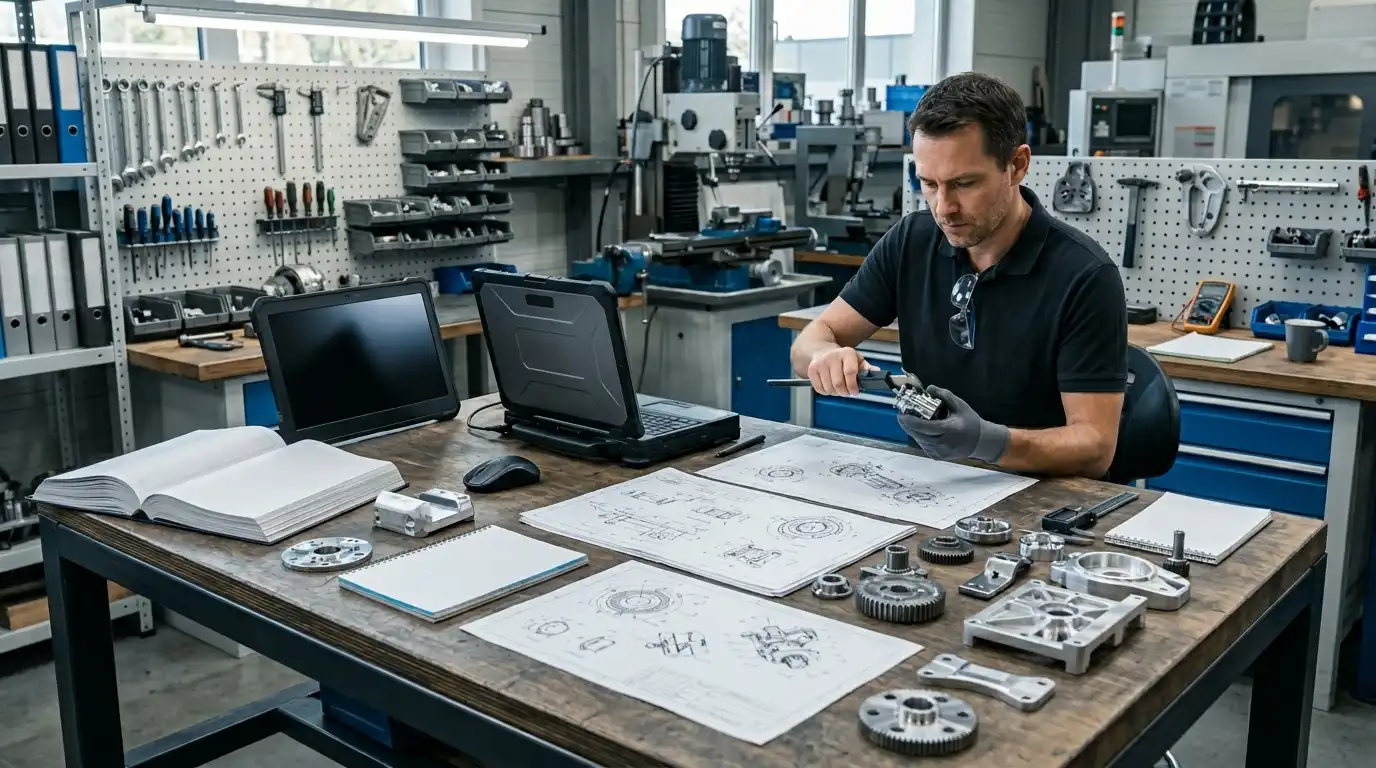
Factory-floor context
Use visual context to move from a generic catalog link to a machine-level sourcing conversation.
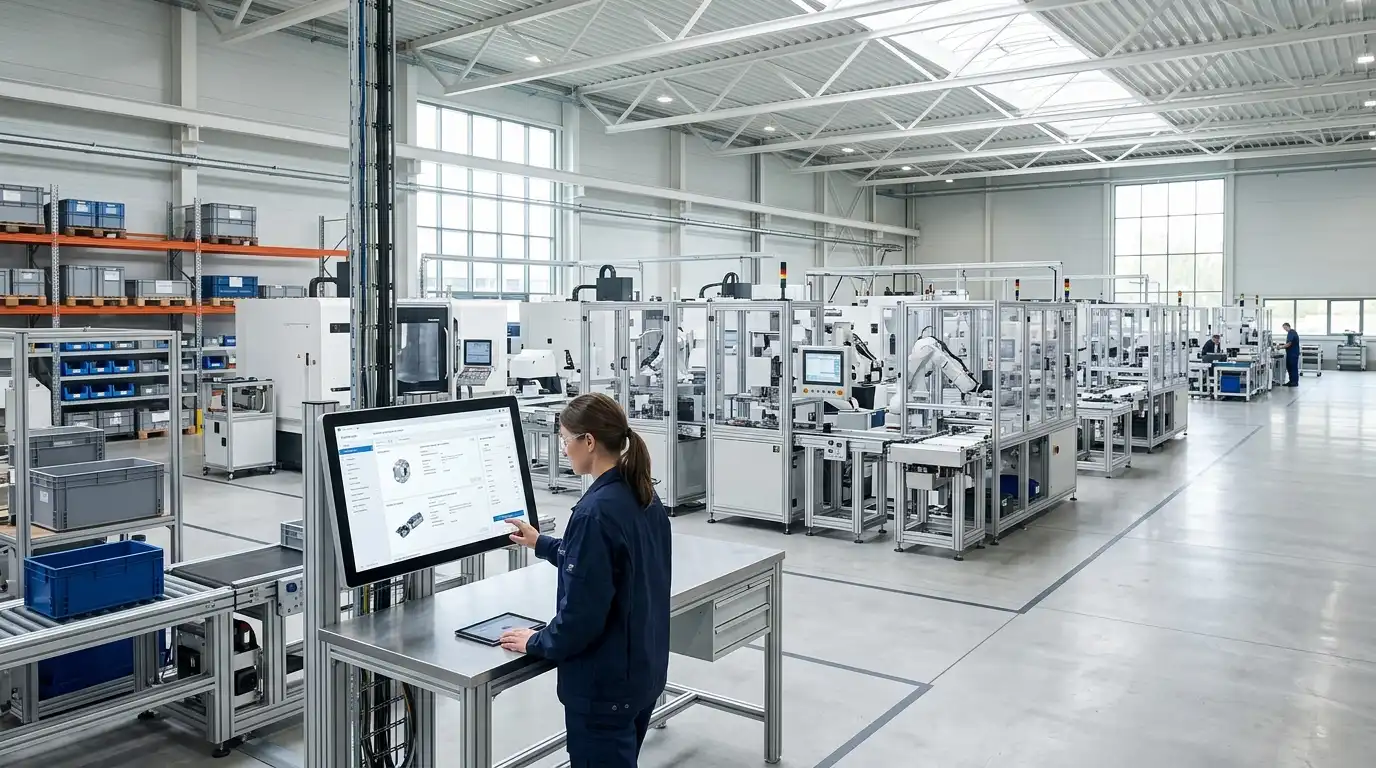
Documentation flow
Catalog pages, compare mode, and product detail now work as one motion instead of separate dead ends.
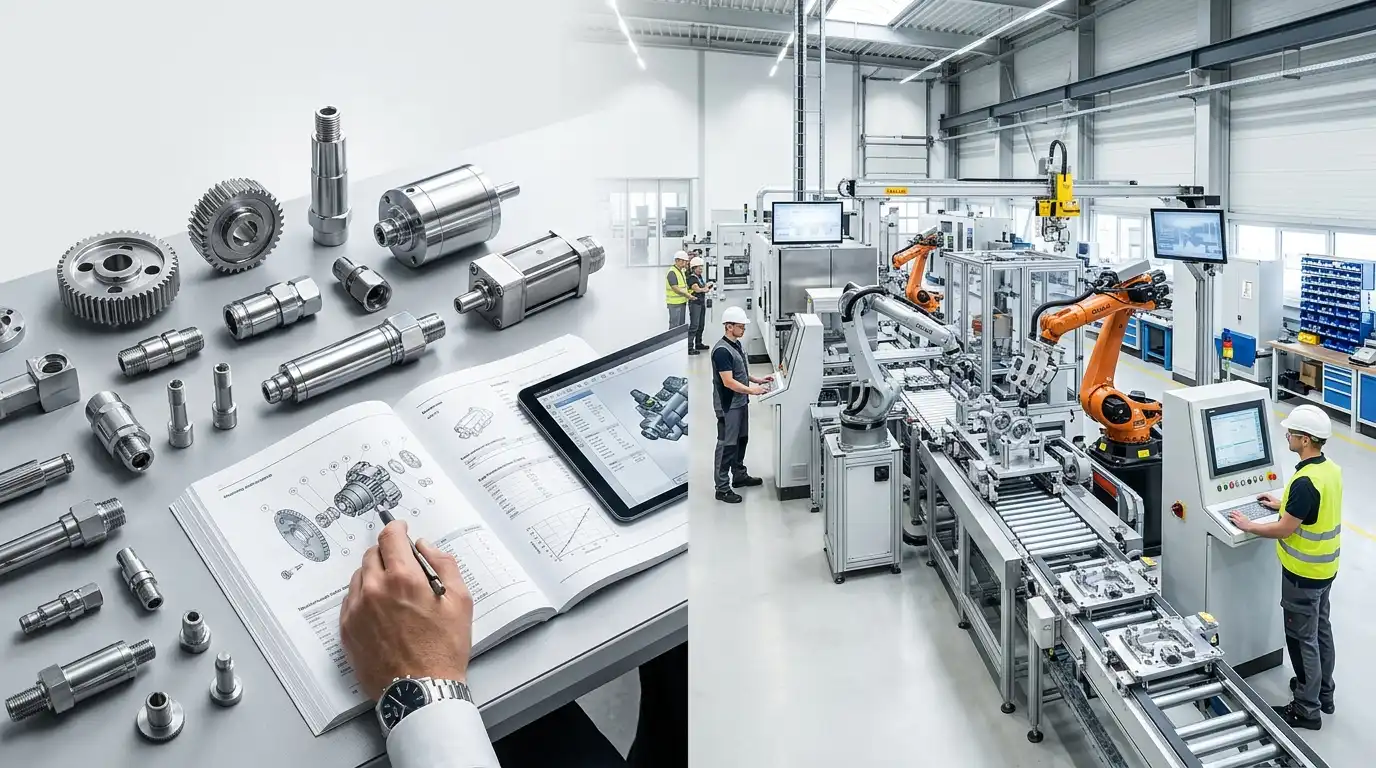
Next move
Keep the interface minimal and let the next action be obvious.